

Mixology Studios Online. is the studio. Re•Academy is the educational leg — where all courses, presets, templates, and digital products from Bao Pham live.
Re•Voice Vocal Chain
The 3-path signal flow architecture behind 169M+ streams — built on a foundation studied with Jaycen Joshua at Mix with the Masters.
You have the plugins. You’ve watched the tutorials. Your mixes are good — maybe even professional. But something is still off. The vocals sit in the mix instead of commanding it. They sound clean but not finished. Loud but not full. Present but not alive.
That gap — between a good vocal and a major-label vocal — is not about the plugins. It’s about signal flow architecture. How your vocal chain is routed, where compression hits, what stays clean, what gets crushed, and how it all recombines at the end.
3 Paths. One Vocal. One Sound.
Every vocal track routes into one central aux. This is where the core work happens — EQ, dynamics, tone shaping. The foundation of the sound.
A clean copy of the vocal splits off before the main chain touches it. That untouched signal runs through its own heavy compression path, then gets blended back in underneath. Weight, thickness, and density — without squashing the original dynamics.
Both paths feed into a final bus. This is the finishing layer — subtle correction, cohesion, and the last few percent of tone that makes a vocal sound like it belongs on a record.
Everything You Need to Start
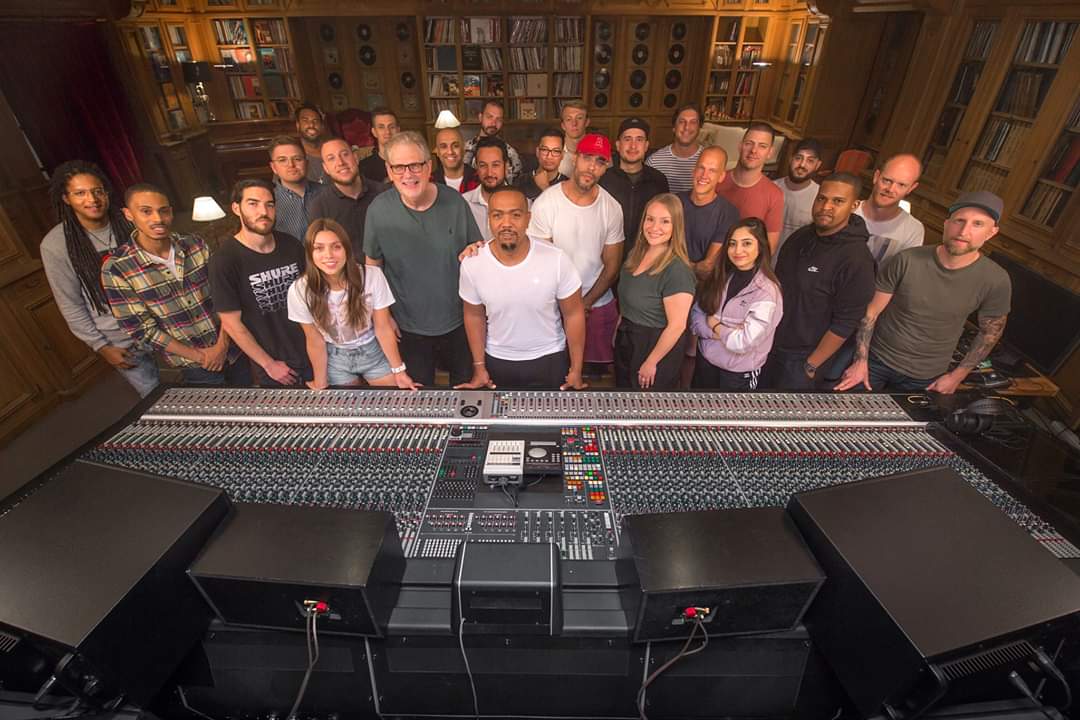
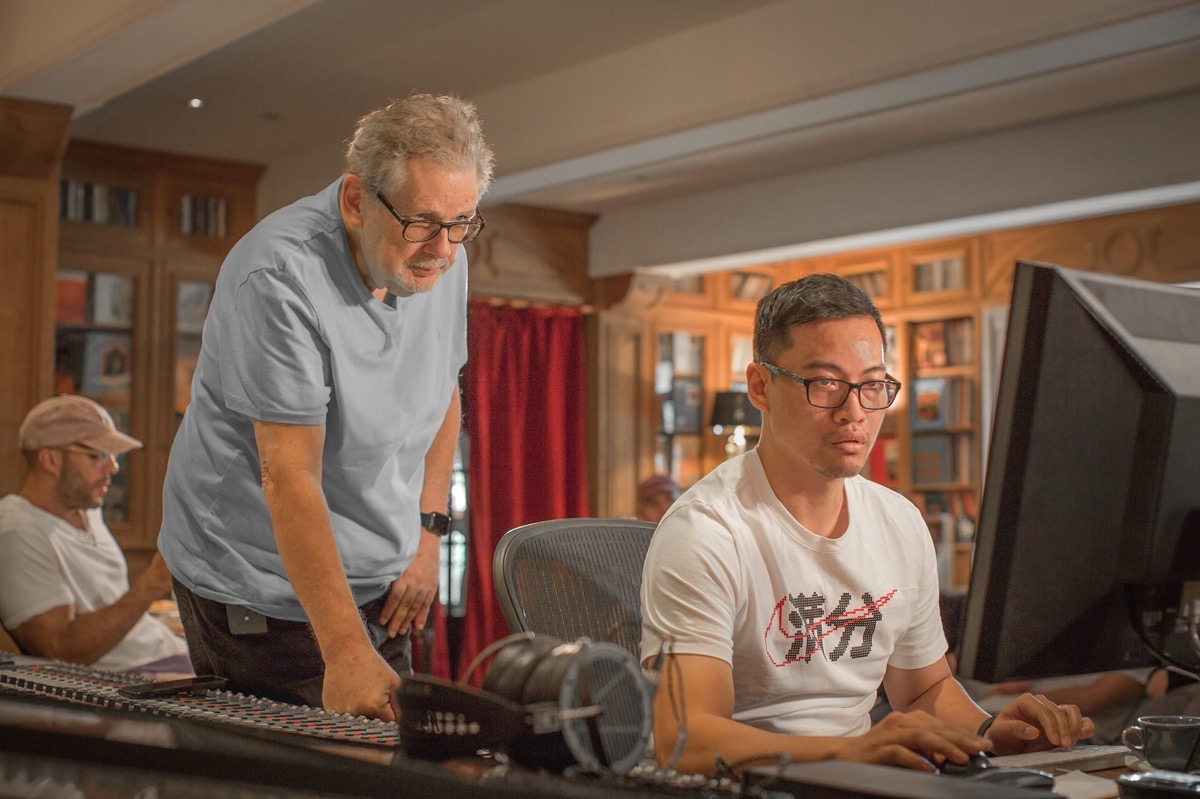
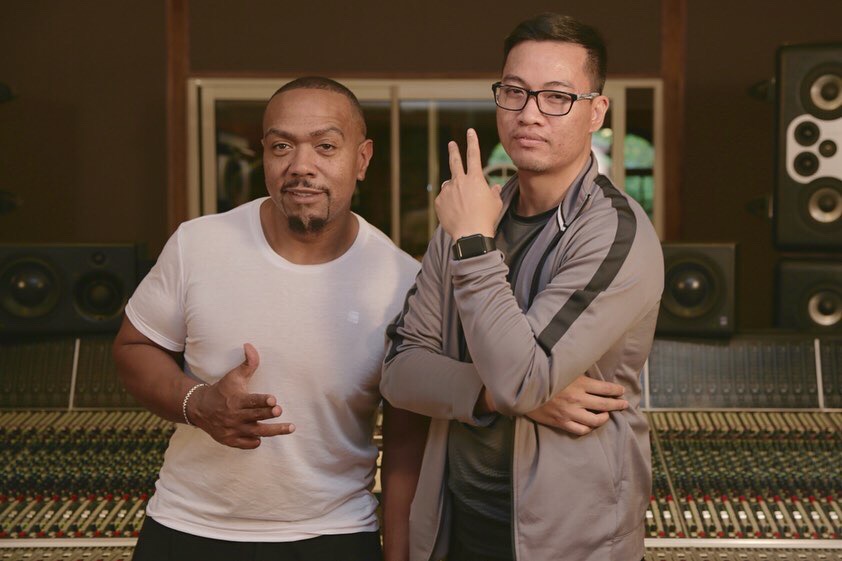

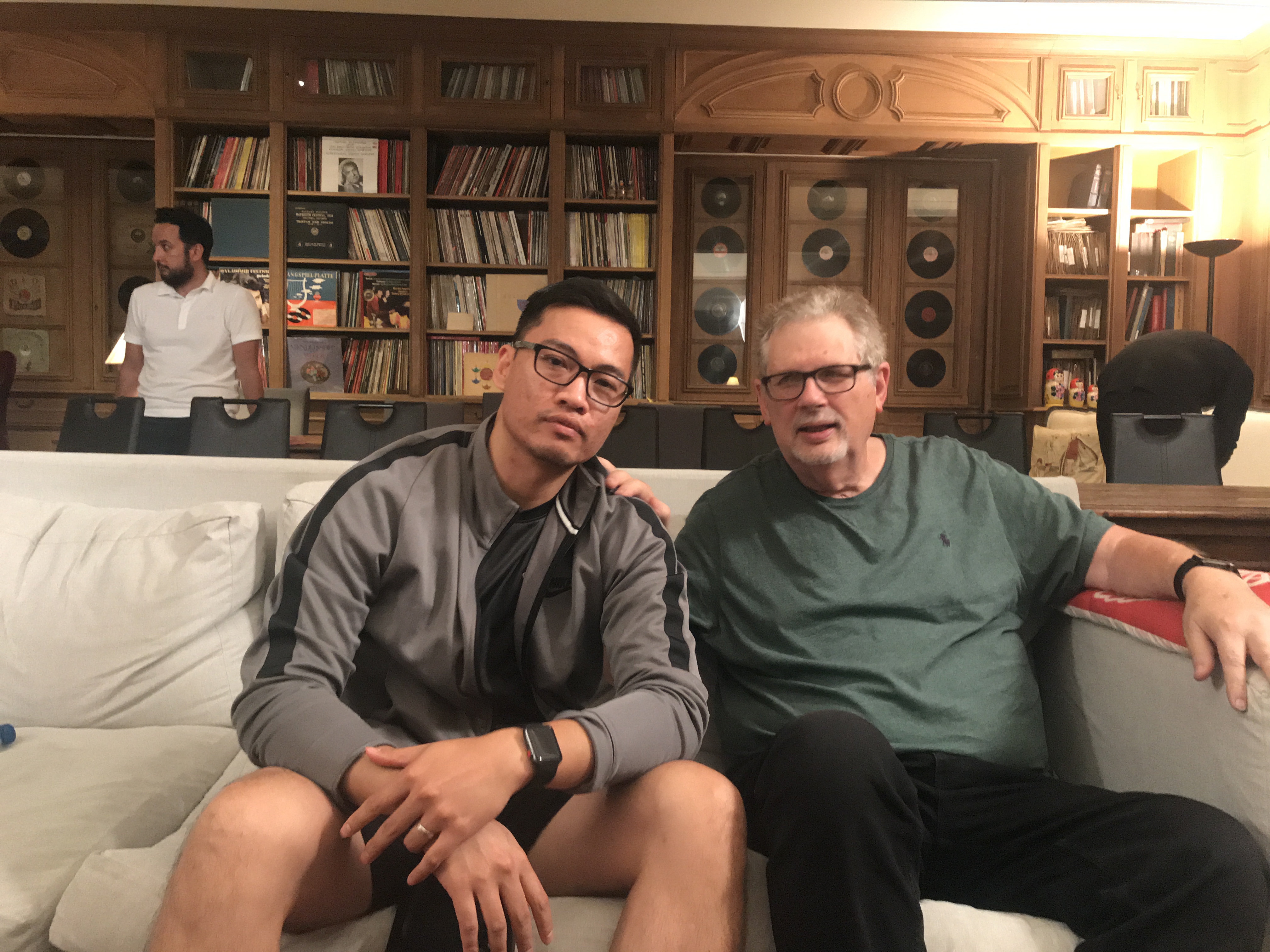
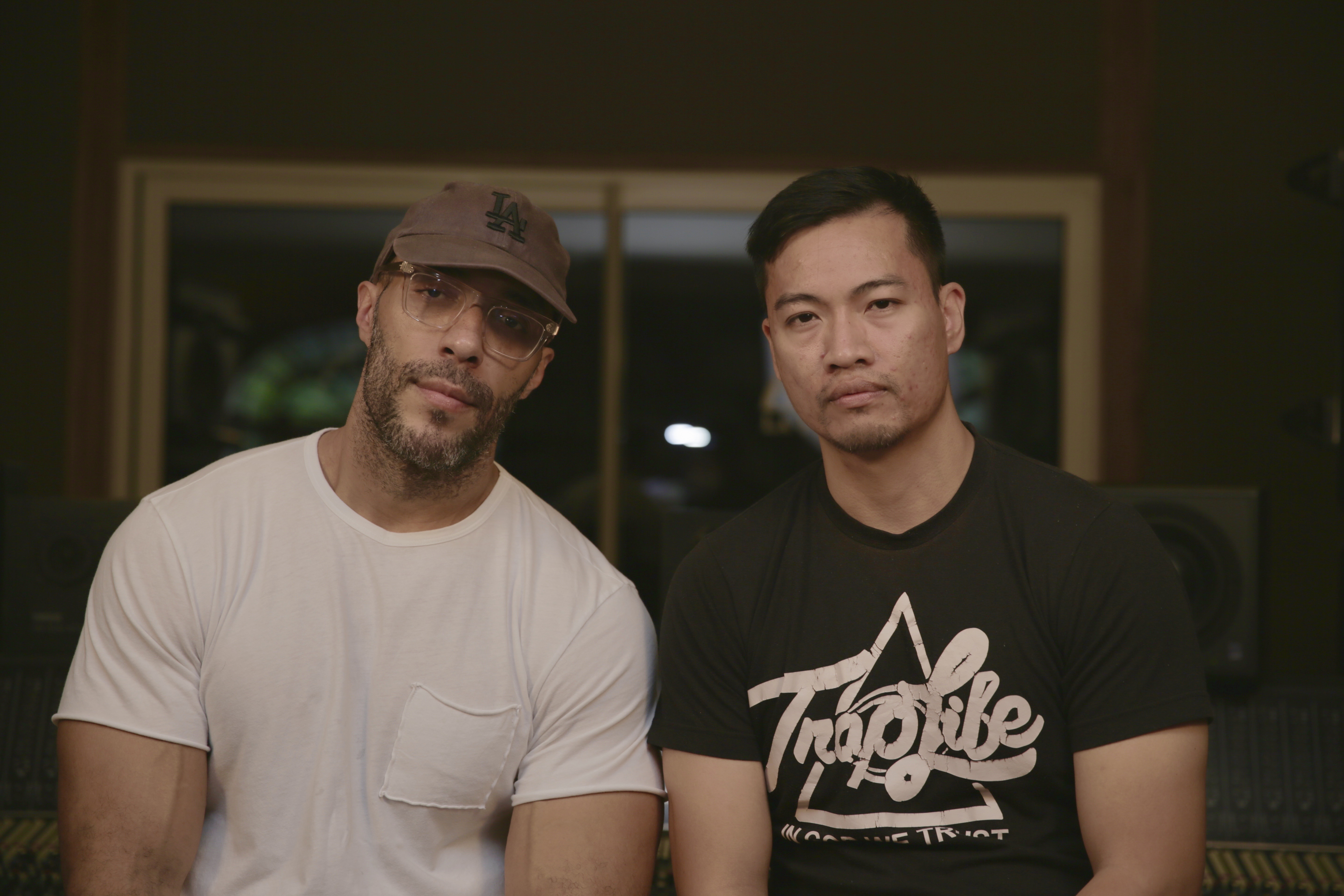
Bao Pham
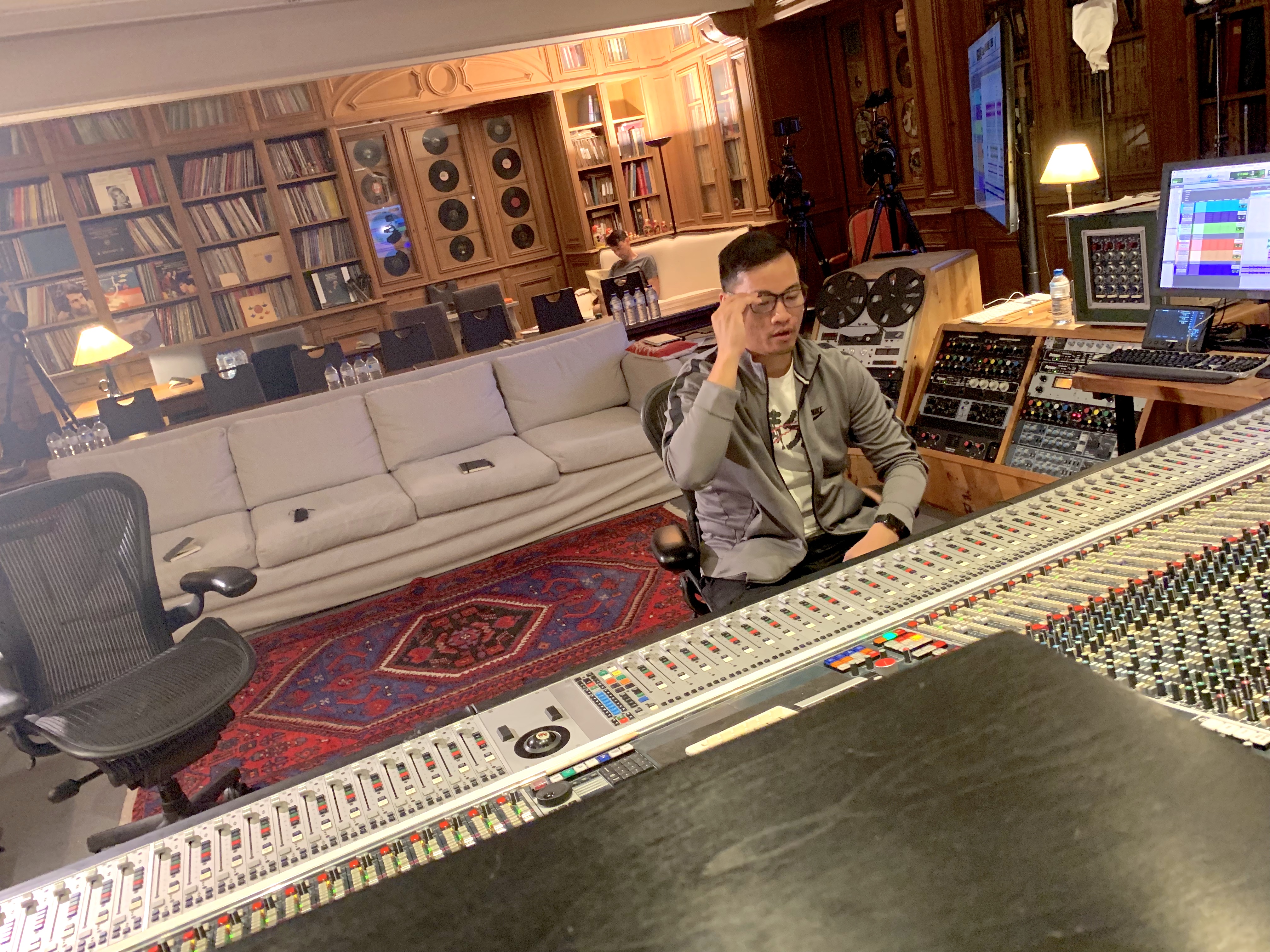
RIAA-Certified Platinum Producer and Mix Engineer. Classically trained since age 4. Producing since age 12. Mixing professionally for over a decade. 169M+ streams mixed across credits including T.I., Jay-Z, Future, Moneybagg Yo, Young Dolph, Doe B, Quando Rondo, and Rick Ross.
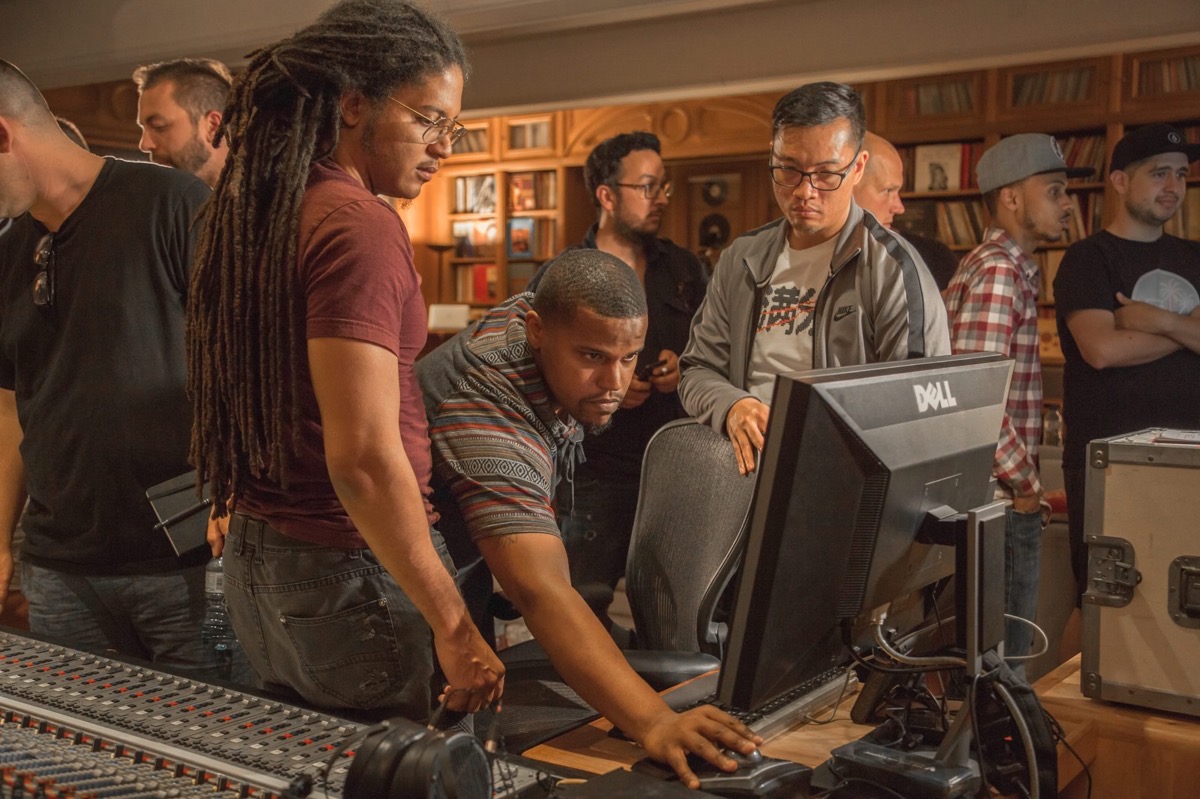
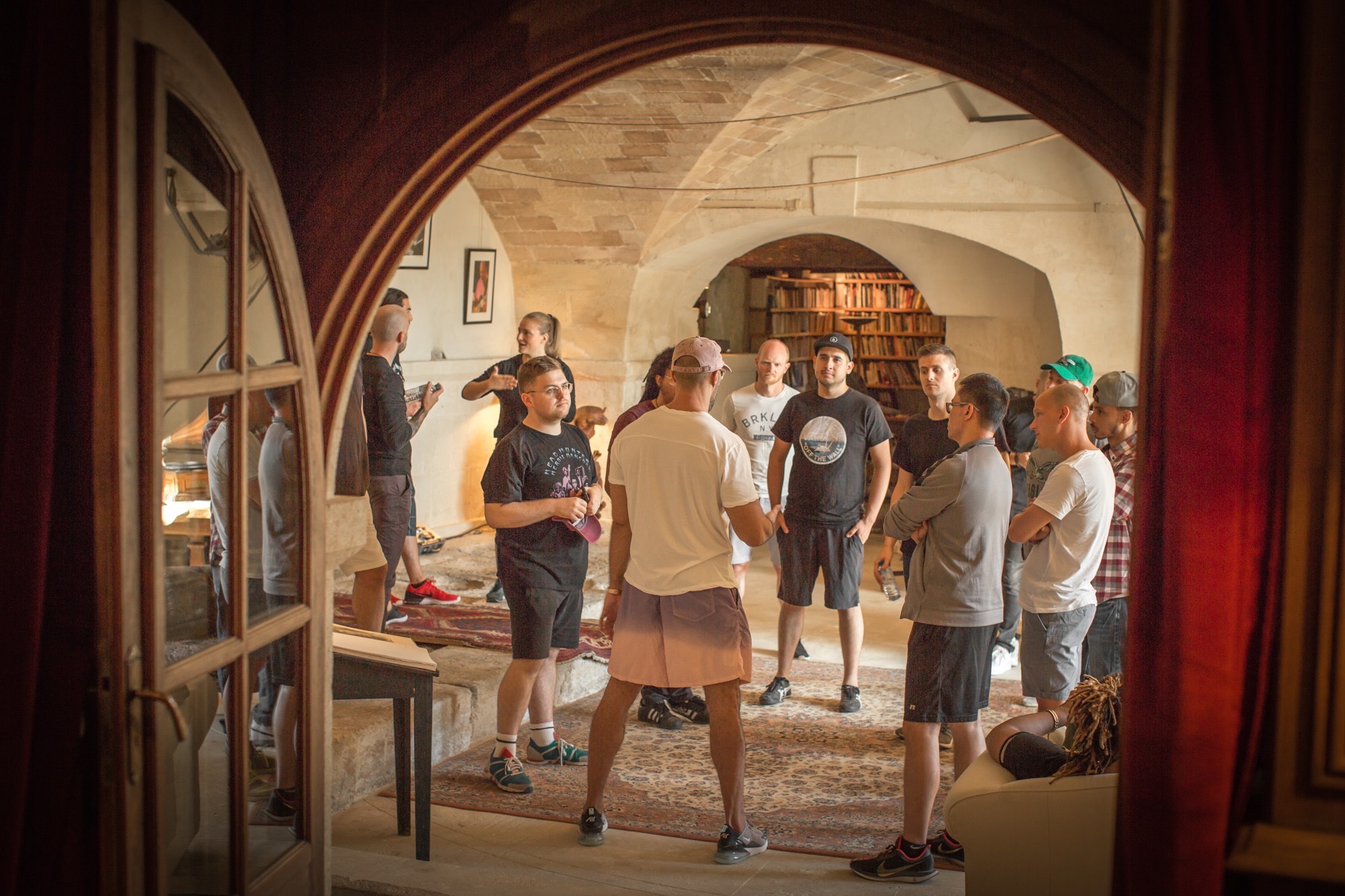
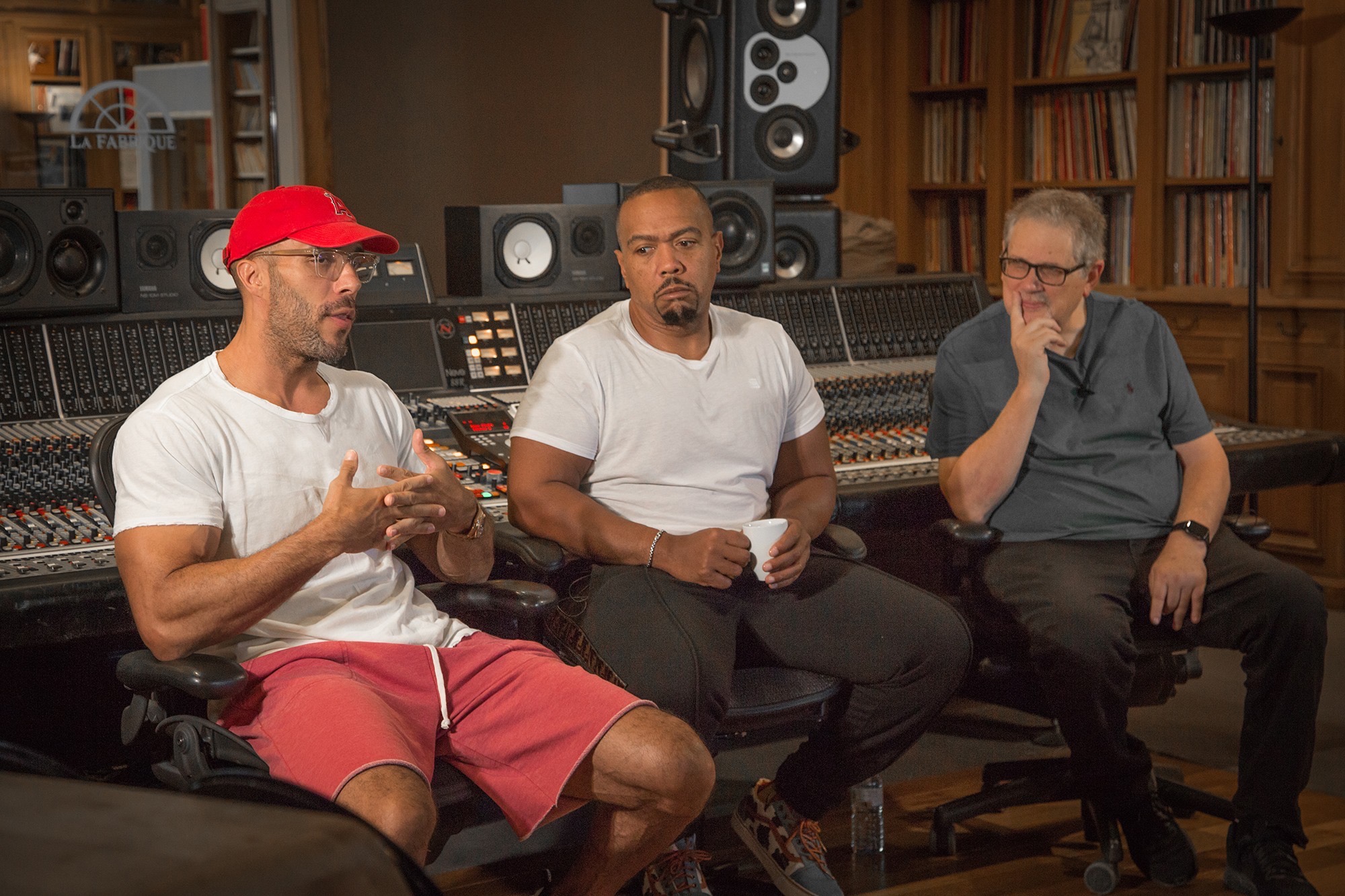
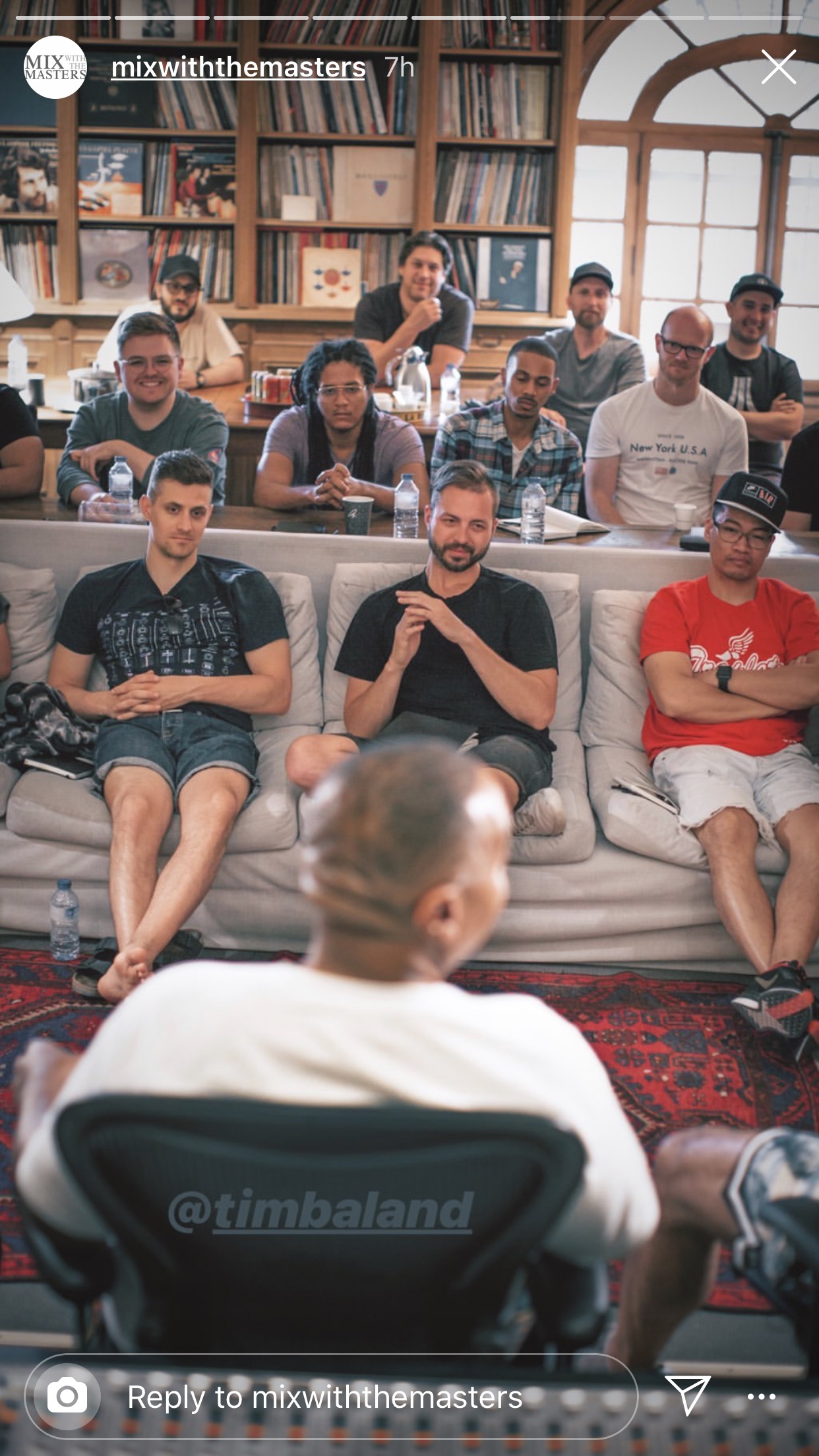
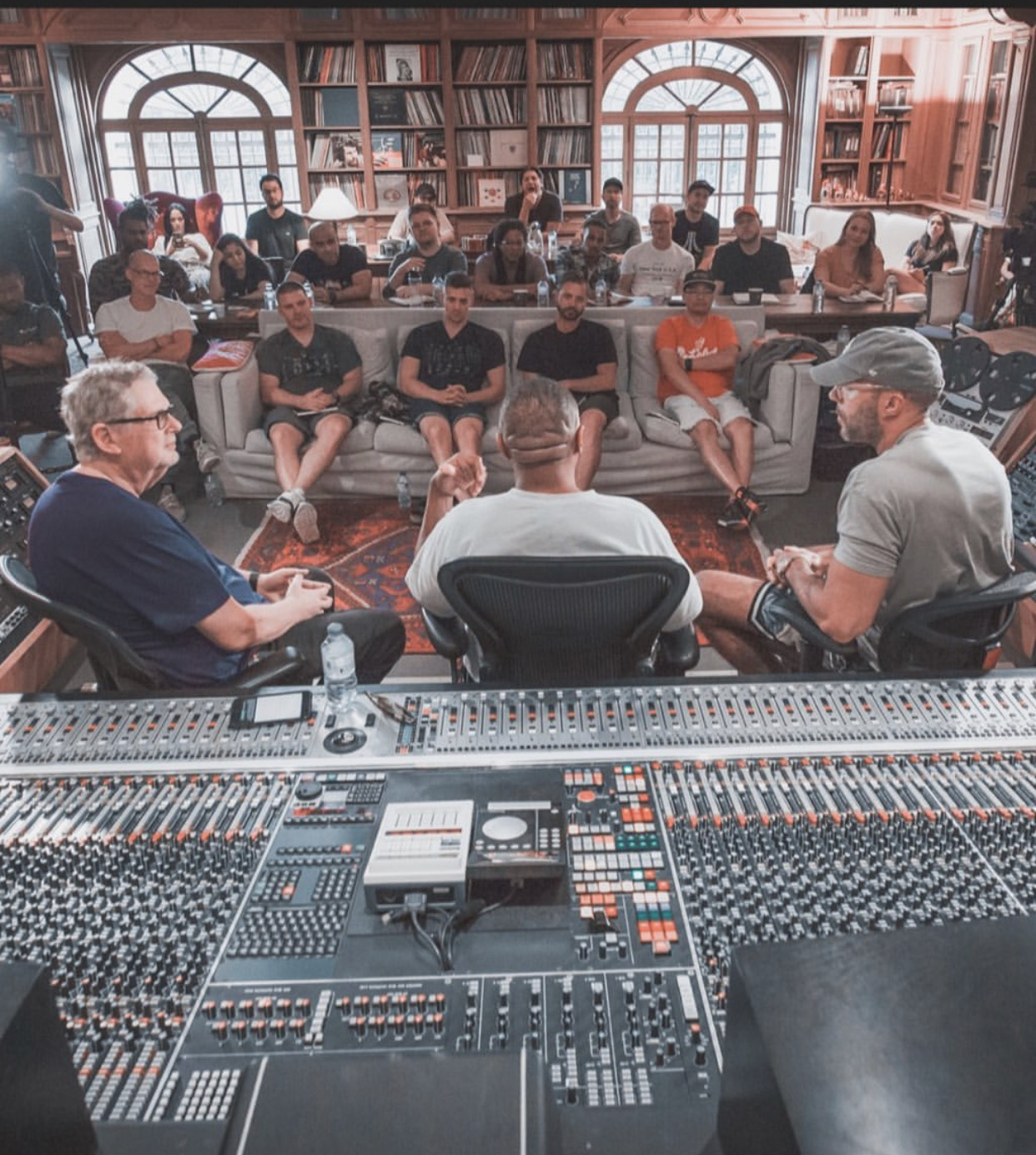
In 2019, Bao attended Mix with the Masters in France — a $7,000 seminar with Jaycen Joshua and Dave Pensado — to close the last few percent between professional and elite. The foundation of this preset came out of that room.
Who This Is For
- Engineers and artists already mixing who know their vocals are close but something is missing
- Producers who have the plugins but can’t get “that sound” — because the issue was never the plugins
- Anyone trying to close the gap between a solid independent mix and a major-label vocal
- Self-taught engineers ready to stop guessing at signal flow and start working within a proven architecture
Who This Is NOT For
- Complete beginners still learning how to record. This preset assumes your vocals are already tracked properly.
- Anyone expecting a magic button. This is a starting point — a very good one. But the taste and direction is yours.
- People who won’t learn the signal flow. The walkthrough video exists for a reason. Understanding the architecture is how you get 100% of the value.
Common Questions
The gap between where you are and where you want to be is not more plugins. It’s not more tutorials. It’s architecture.
The vocal chain behind 169M+ streams. Built on a foundation from Mix with the Masters. Refined through real sessions since 2019.
Get Re•Voice — $47